
Your shop's data comes with you when you switch.
Can I bring my data over?
Yes. We can import your data through a direct connection to the software you use now, or from files you export from it. Before you switch, we'll look at what you have and talk it through with you.
A switch takes three steps.
1. We look at what you have
Tell us about your shop and the software you use now. We go through your data with you, say what will come across and answer your questions before anything moves.
2. We bring your data across
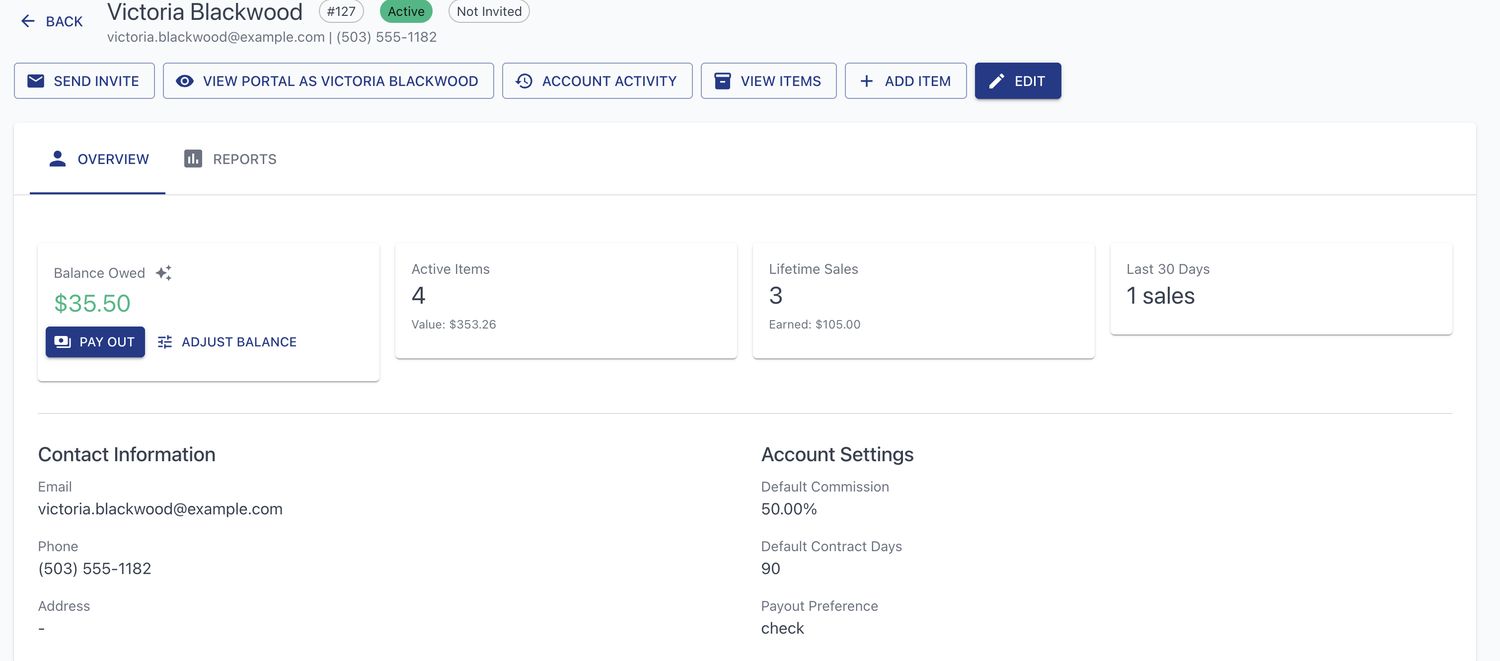
Through a direct connection to the software you use now, or from files you export from it. You check your consignors, balances and items in ConsignHQ against your own reports.
3. You switch on a day you choose
Pick a day the shop is closed. Close out in your old system, and open the next day on ConsignHQ, with your register, online store and consignor portal ready.
What comes across
What we can bring depends on what the software you use now keeps. We'll tell you before you decide.
- Your consignors, with their contact details and splits
- What each consignor is owed, carried over as their opening balance
- Your items, with their prices, categories and photos
- Past sales and payouts, so your history is still there
- Gift cards and what is left on them
Already on ConsignHQ Sync?
Your shop's data already comes to us through Sync, so there are no files to export. We move it across for you, check the numbers with you, and you switch on a day the shop is closed.
Your desktop software isn't changed. Until your first sale in ConsignHQ, you can keep running it as you do today.
Tell us what you use now.
We'll look at what you have and talk it through with you before you switch.