
The whole shop in one system.
The register, your items, your consignors and their payouts, your online store and the consignor portal. Every picture on this page is the real app, in a demo shop.
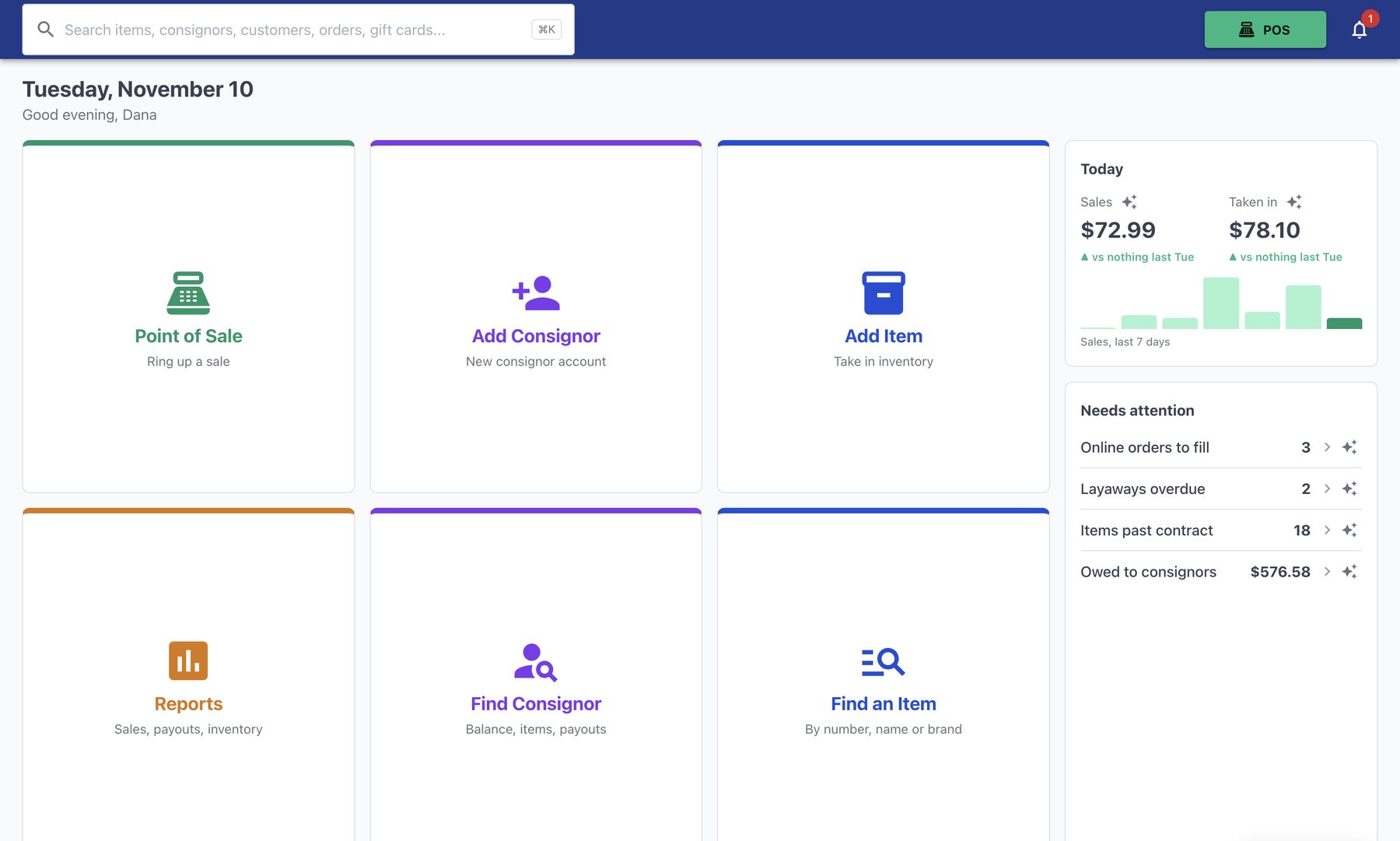
Find it without knowing the number.
One search box finds items, consignors, customers, orders and gift cards. Results come up as you type.
- Look up by name, SKU, consignor number or order number
- Scan a barcode and the item opens
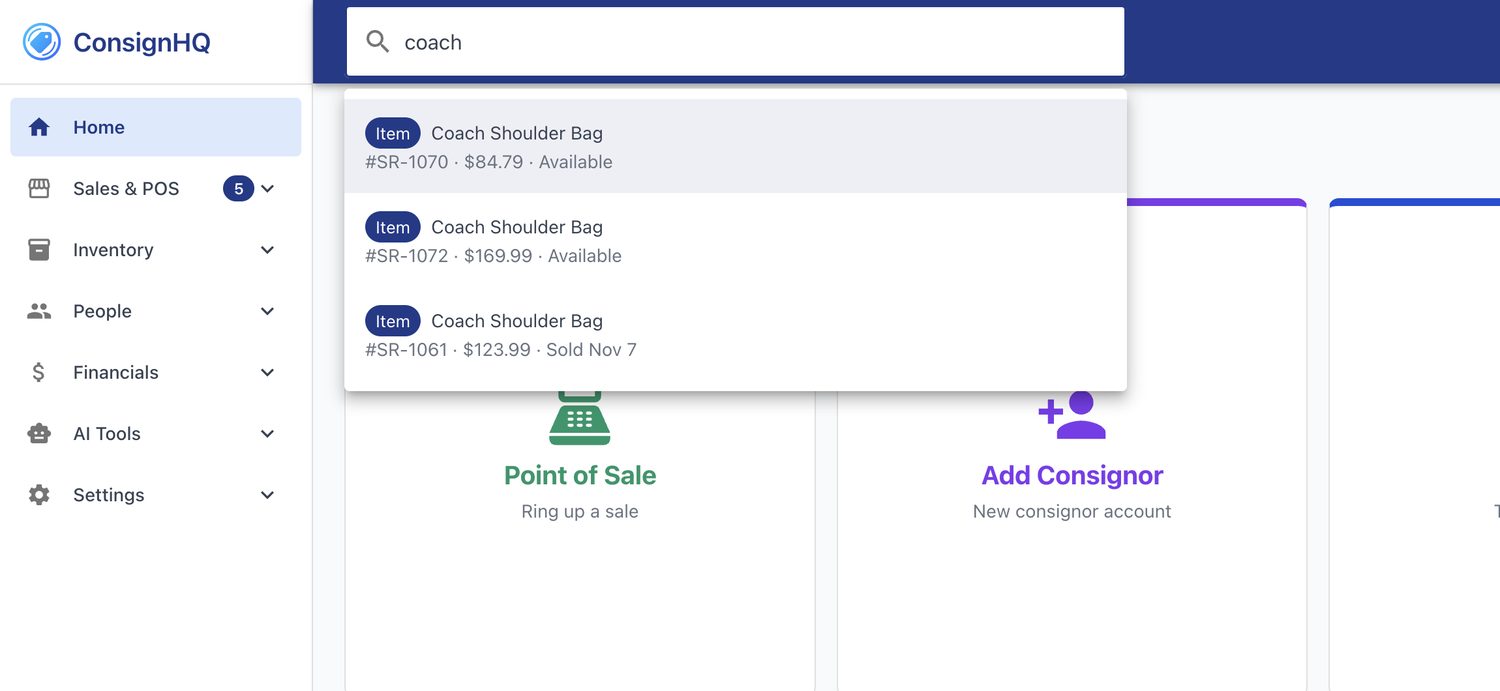
Ring up a sale at the register.
Scan the tag or type the item number, take the payment and the sale is done.
- Cash, card and split payments
- Consignors can spend their balance at the register
- Returns to cash, a gift card or the consignor's account
- Discounts, sales tax and tax exemptions
- Receipts printed or emailed
- Works with a barcode scanner and a cash drawer

Take in items with photos and tags.
Add an item with its consignor, its price and its photos, then print the tag.
- Several photos for each item, resized for you
- SKUs and barcodes, with tag printing
- Categories, brands, sizes and condition
- Markdowns by time period or by tag color
- A record of every price change

Every consignor's account on one page.
What they are owed, what they have for sale and what has sold, with their split and contract length.
- One balance: they spend it in the shop or have it paid out
- Consignors keep the numbers they already know
- Sales tracked for each consignor
- Their share worked out on every sale
- A history of every payout

See who is owed, and pay them.
Everyone with a balance is in one list. Pay by check or cash.
- Unpaid balances in one list
- Check printing
- A record of every payment

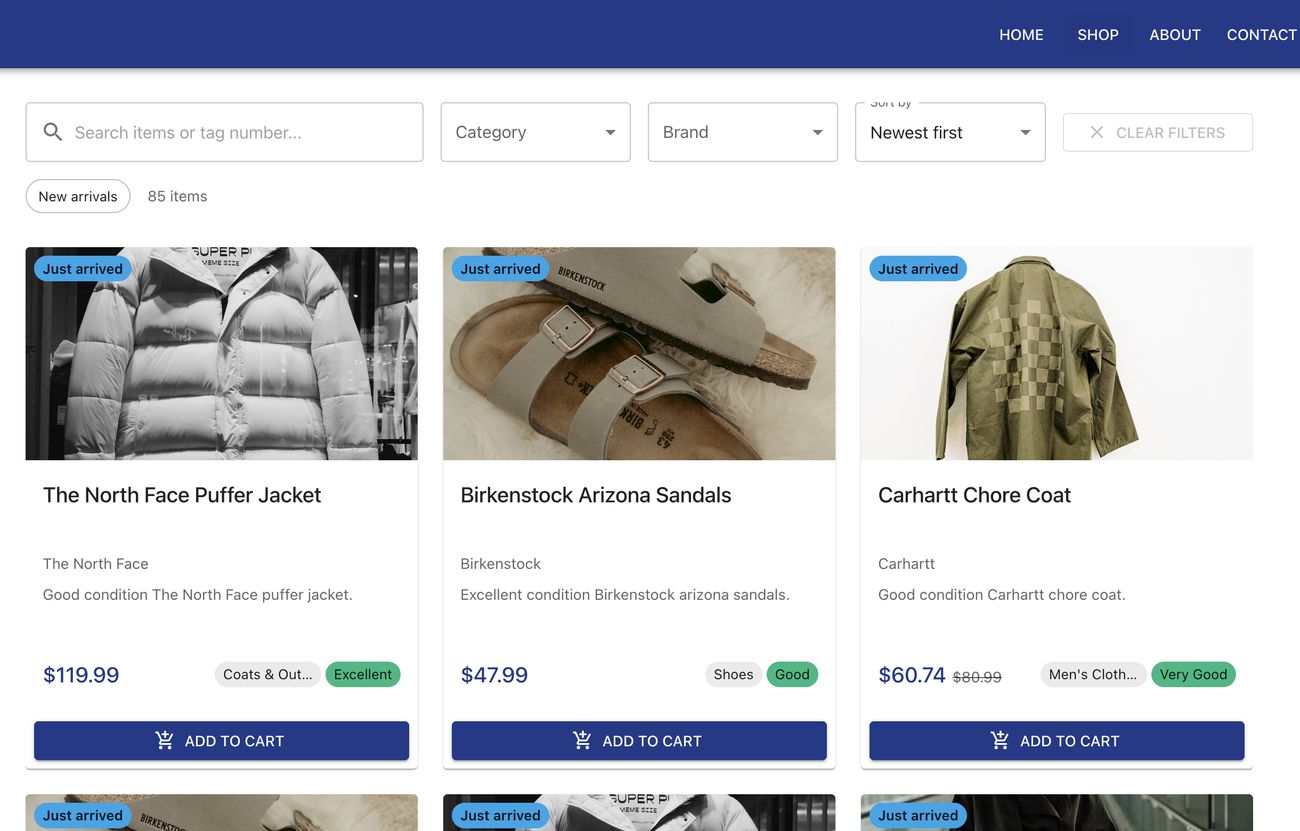
Your online store is built in.
Tick one box when you add an item and it's online, with its photos and price.
- Shows the same stock as your shop
- Shoppers search and filter by category and brand
- Card checkout through Stripe
- Gift cards to buy online
- Your logo and colors, on the Professional and Business plans
Your consignors have a place, too.
They sign in to see what sold and what they're owed, without calling the shop to ask.
- Their balance and what they have for sale
- Each item's price, their share and its status
- Sales, payouts, returns and store credit in one list
- Works on a phone

Reports for sales, payouts and inventory.
Pick the dates, see the figures, and export any report to CSV.
- Sales by day and by how the customer paid
- Consignor payout reports
- Inventory aging
- Any date range

Sell and track gift cards.
Sell gift cards in the shop and online, and see what is left on each one.
- Any amount, or the amounts you set
- Sent by email, with a message
- A balance and a history for every card
- Expiry dates if you want them

Hold an item on layaway.
Take a down payment, hold the item, and take the rest as the customer pays it off.
- A down payment to start, then a payment whenever the customer makes one
- The total, what is paid and the balance due on every order
- A due date on each layaway, and a count of the overdue ones in the menu
- The item rings up at the price agreed when the layaway was taken

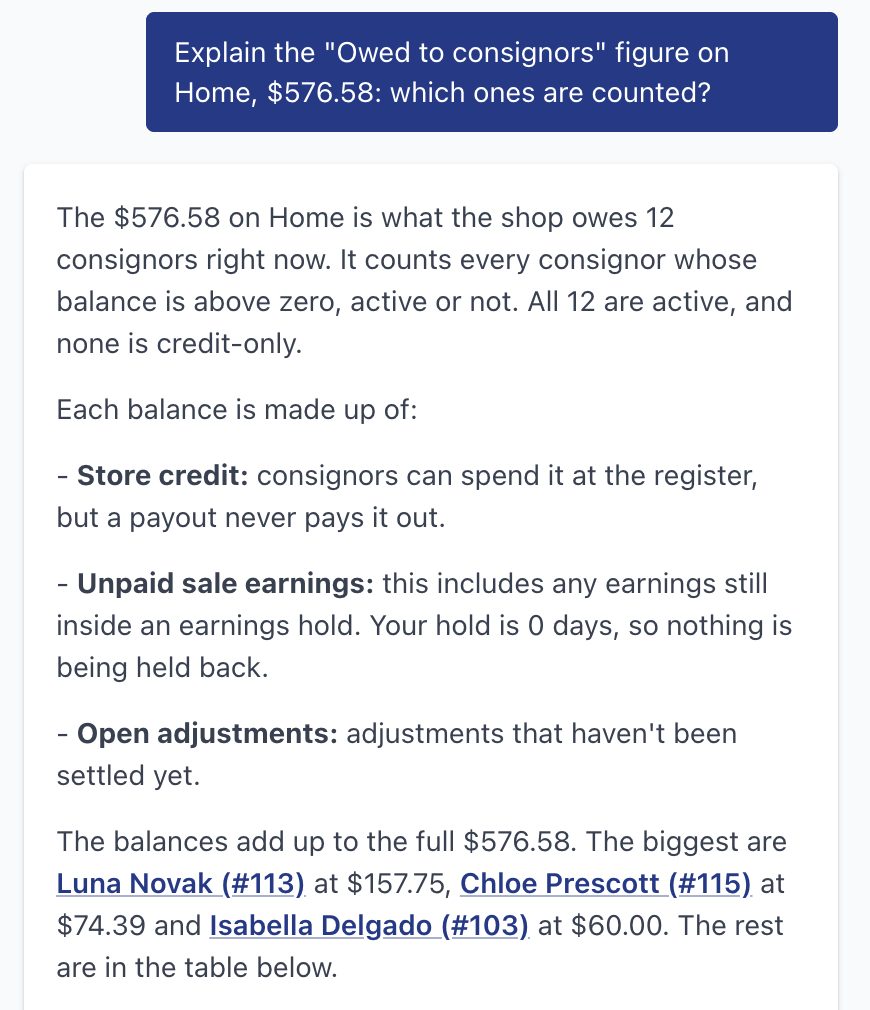
Ask ConsignAI about your shop.
Ask in plain words, like who's owed the most. It answers from your own records and never changes anything.
On the Professional and Business plans.
- Answers come from the same figures as your screens and reports
- Links straight to the item, consignor, sale or report it used
- Staff only see what their permissions allow
- A photo fills in a new item's name, category and description. It never sets a price
Works in your browser
On your computer, tablet or phone.
Your data is encrypted
In transit and at rest. Card details are handled by Stripe and never stored by us.
Updates arrive on their own
New features and improvements are delivered automatically.
Already running a shop?
We can import your data through a direct connection to the software you use now, or from files you export from it. Before you switch, we'll look at what you have and talk it through with you.
How switching worksTell us about your shop.
We're setting shops up one at a time. Tell us what you use now and what you'd like to be better.